
Codex Plugins and Research Workflow
This guide breaks down a research-oriented Codex workflow from the public demo: how plugins, source collection, and structured reports turn ad hoc research into a repeatable process.
What research mode looks like
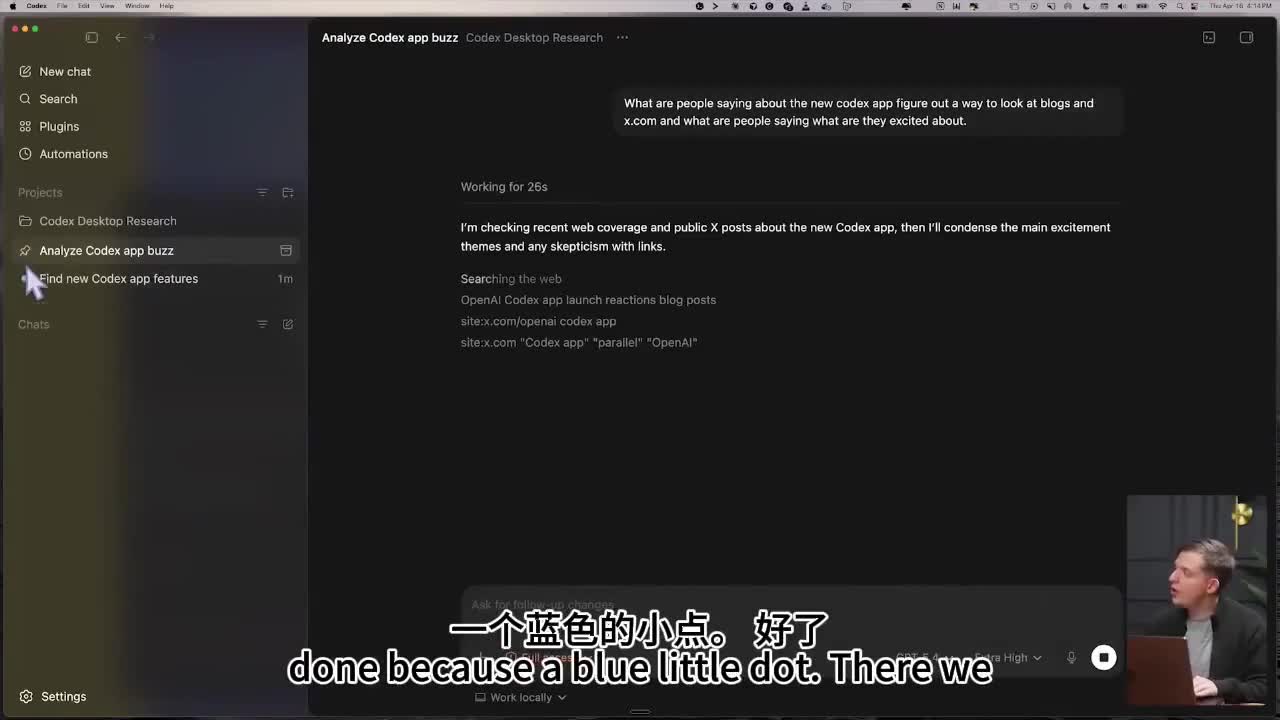
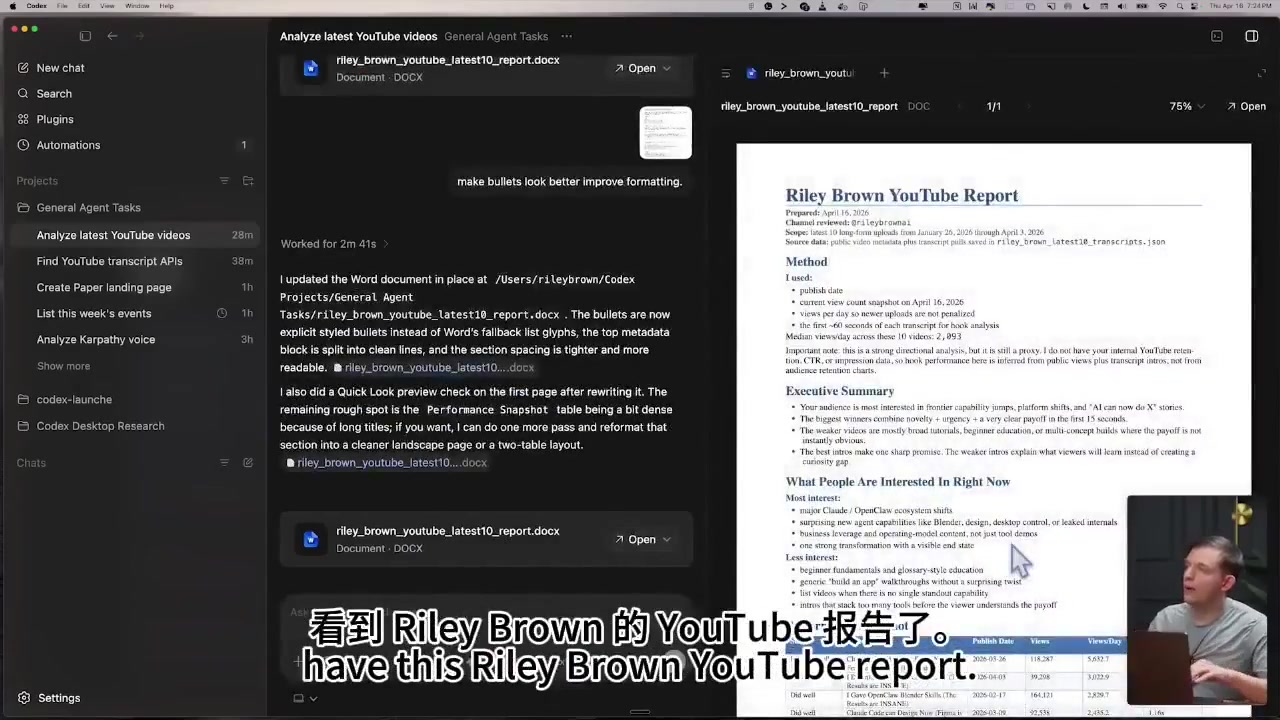
The demo shows a clearly research-oriented session: Codex gathers outside material, organizes the findings, produces a report, and keeps a record of the work. That is very different from a simple Q&A flow.
What plugins solve here
Plugins are not just “one more button.” They connect the steps that are usually done by hand: collecting sources, extracting structure, organizing content, and writing the result to disk. That is what keeps research from living only inside a chat window.
Expand input sources
Reduce manual copying
Produce structured output
Feed later tasks
YouTube transcript tools compared
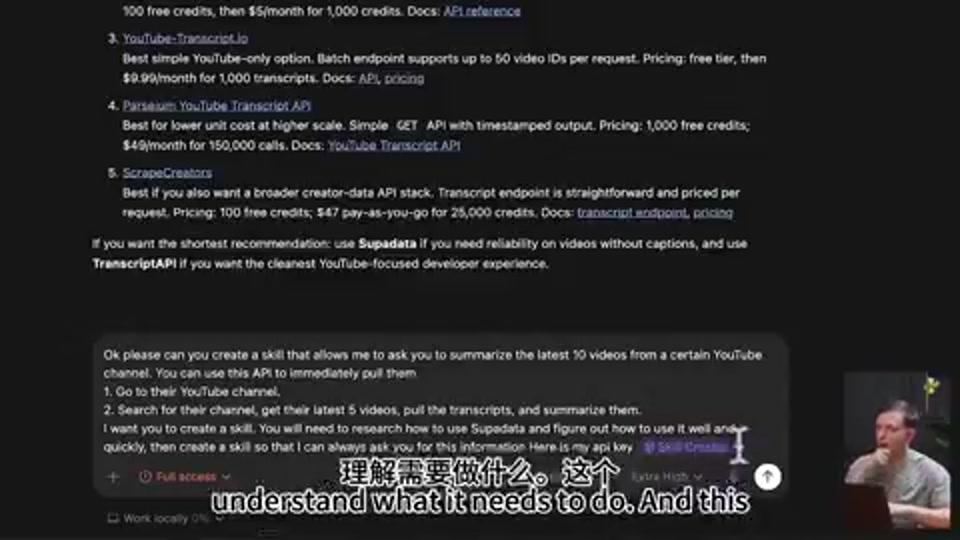
A closer look at the demo shows the author asking Codex to research YouTube transcript options and compare services such as Supadata and TranscriptAPI. The important part is not one API name; it is the workflow: compare the available tools first, then ask Codex to create a skill that can pull the latest videos from a channel, fetch transcripts, and summarize them.
| Stage | What the demo shows | What this becomes |
|---|---|---|
| Tool research | Compare the price, reliability, and developer experience of multiple YouTube transcript / creator data APIs. | A reusable external-source shortlist so you do not search from scratch every time. |
| Capability packaging | Ask Codex to create a skill: input a channel, find the latest video, pull the transcript, and summarize it. | A research skill you can reuse for competitor analysis, course prep, and content research. |
| Output | Turn the video information into a report instead of returning scattered notes. | Material that can be reused in docs, courses, slide decks, and product notes. |
What a good research result looks like
From the “Analyze latest YouTube videos...” screen in the demo, a useful research output should have at least three layers:
| Layer | What belongs here | Why it matters |
|---|---|---|
| Fact layer | Clearly visible facts: time, subject, function, and deliverable. | Separating confirmed facts keeps the result from mixing in inference too early. |
| Interpretation layer | What these facts suggest about workflow, product direction, or process design. | This is where research turns from copying into actionable insight. |
| Execution layer | What document to write next, what page to update, which images to add, and what to verify. | This pushes research directly into production instead of leaving it in notes. |
How to make it repeatable
1. Fix the input first
Only use the sources the task really needs, such as public videos, screenshots, transcripts, README files, or page source.
2. Fix the output shape second
Ask for a comparison table, outline, publishing checklist, page draft, or task breakdown instead of free-form prose.
3. Define a verification rule
For example: every conclusion must be traceable to a screenshot, no invisible numeric precision, and the result must be reusable as a site tutorial.
4. Feed the result back into the system
Good research should not stop at one session. Move it into a skill, knowledge base, course material, or the next task.
Where this workflow fits
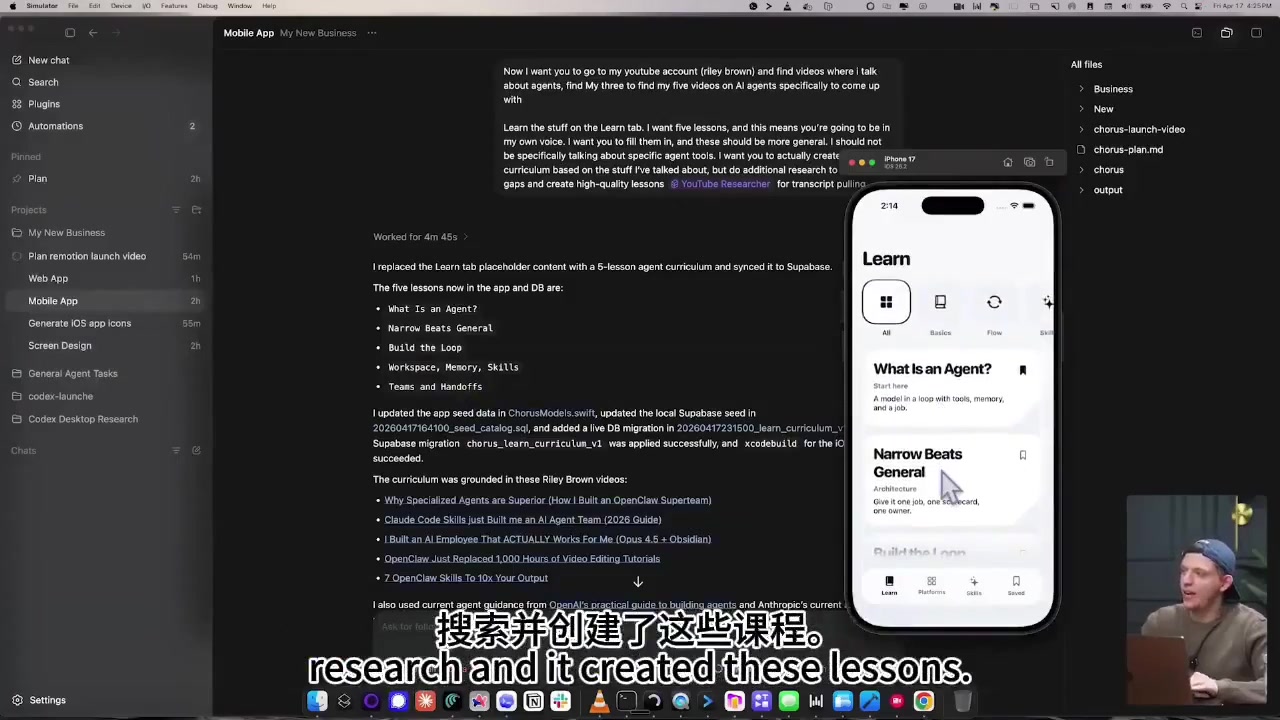
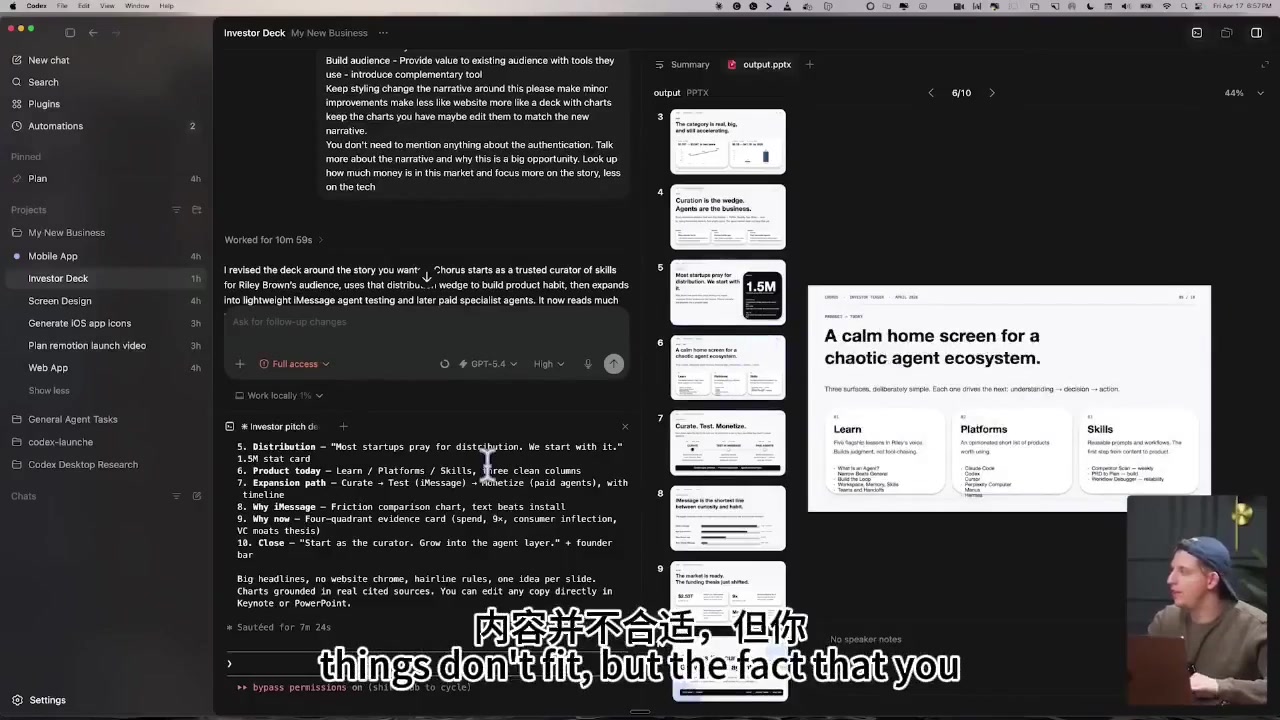
The workflow is not just for reports. It can also support course prep, product research, marketing material, slide-deck storytelling, website copy, and downstream production work.